
Sealect Business
Bookings and calendar

At the desk, on the phone, online: every booking in one calendar.

Every session of the season in one calendar your staff see live. Take bookings by phone and at the desk on any plan, and we send the confirmations and reminders.

  • On every plan
  • Online bookings with PRO
Sound familiar?
  • Bookings live between WhatsApp, a notebook and the memory of whoever was at the desk.
  • At the start of the season you copy the same sessions by hand, week after week.
  • A customer doesn't show up, and you held the place until the last minute.
The season

Describe your typical week once, Sealect creates the sessions

Say which sessions you run and on which days, up to the date you choose, and the calendar fills up. If you already have a calendar, send it to us and we load it for you.

  • Recurring and seasonal sessions, and unlimited time templates.
  • Change one session, the ones after it, or all of them.
  • Move a session and whoever booked gets an email with the old and new time.
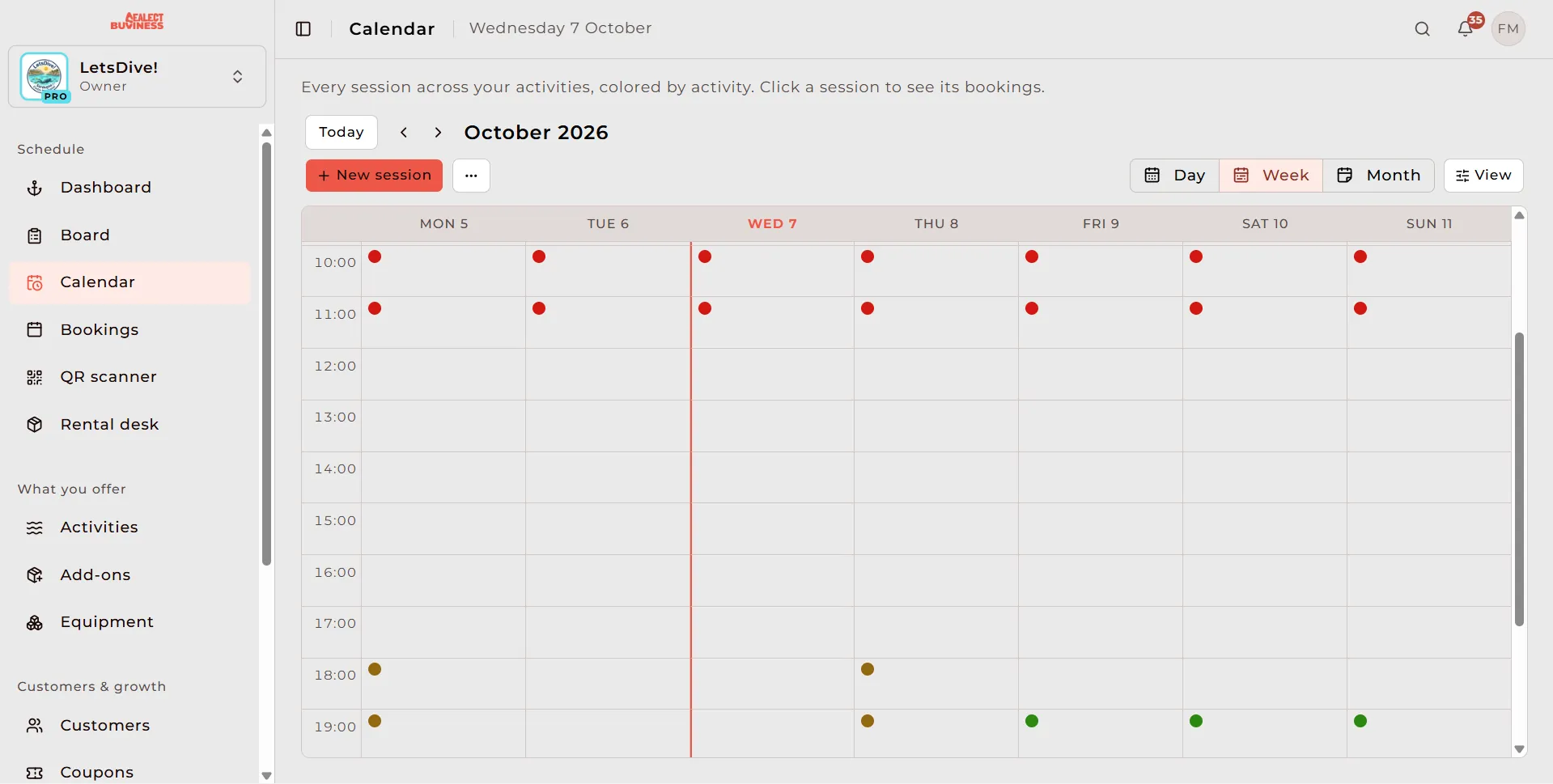
Weekly calendar view in the Sealect dashboard, with sessions colour-coded by activity
By phone and at the desk

A booking taken on the fly, in everyone's calendar

Record it from your phone or computer, on any plan, and log the payment in cash or by bank transfer. Your staff see it straight away.

  • Bookings by phone, at the desk or from a partner, on the same session.
  • Leave the customer's email and confirmations and reminders go out as for online bookings.
  • With PRO customers also book online, and seats go down on their own.
Reminders

We send the confirmation and the reminders

The customer gets the confirmation as soon as they book, a reminder 24 hours before and another 2 hours before. If you cancel a booking, we tell them.

  • Emails go out in Italian, English or Spanish.
  • Text messages are not there yet: they are on the roadmap.
On the day

In the morning you know who is in, at the jetty you know who came

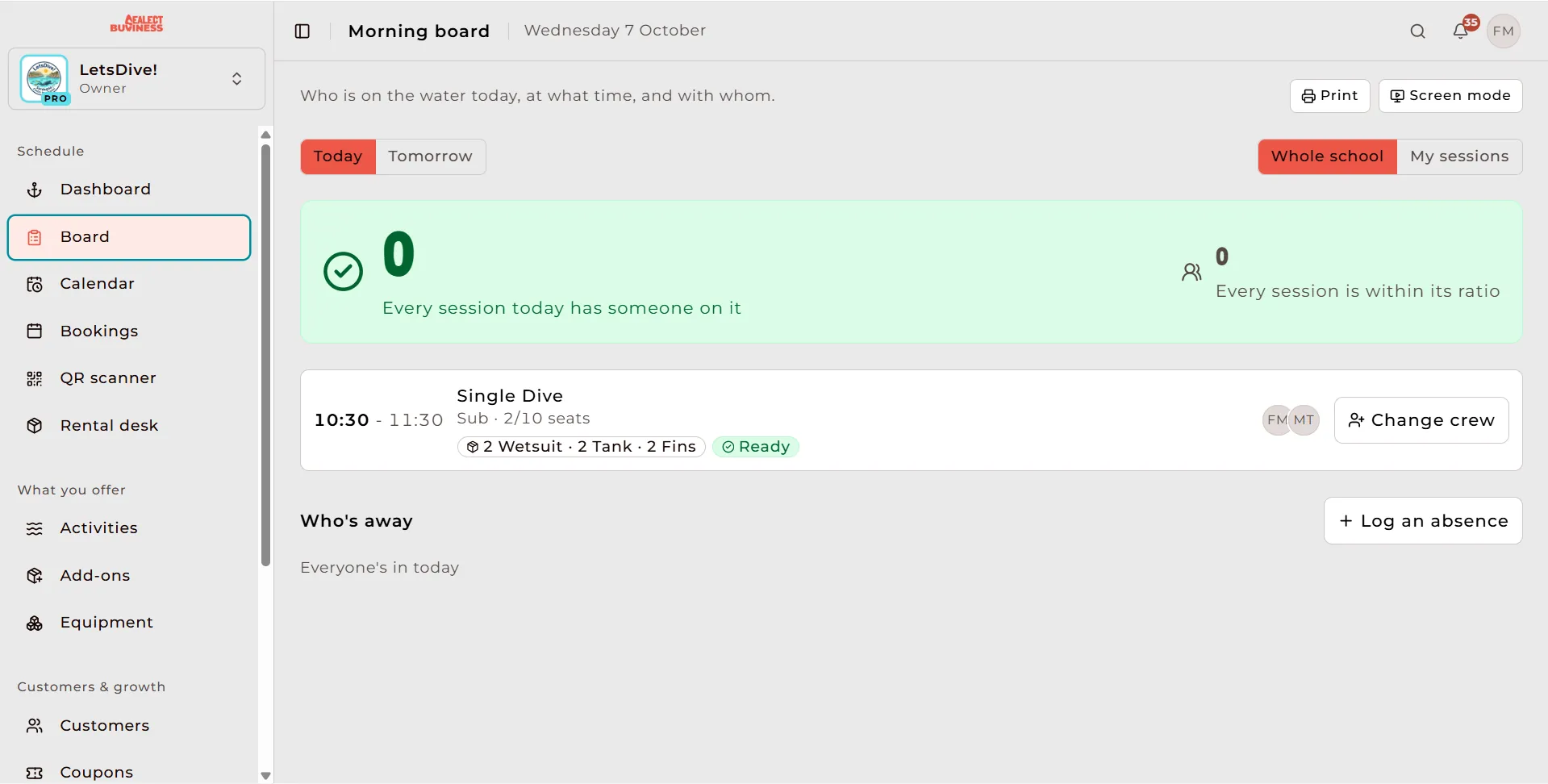
The morning board tells you who is in the water, at what time and with which instructor. At the jetty you scan the QR code on the confirmation and check-in is done.

  • Mark a no-show with one tap, and apply the fee if you set one.
  • Cancellation rules are set offer by offer.
In your calendar

Your sessions in Google, Apple Calendar and Outlook too

Copy a private link from the dashboard, add it to the calendar you already use, and it keeps itself up to date. Managers see the whole organisation, each instructor their own sessions.

  • The full calendar for admins, with seats sold; customers' first name and last initial only for those allowed to see them.
  • Each instructor's calendar, with their assigned sessions, empty ones included.
  • Customers add their booking from the confirmation or subscribe to all of theirs from their profile, and when you move a session the event moves.
  • A link ended up where it shouldn't? Generate a new one and the old one stops working.
Which plan has it

What each plan includes

Base€39 a monthPRO€69 a monthEnterprise€299 a month
Booking management
Drag & drop calendar
Manual bookings (phone, walk-in, partner)
Recurring and seasonal scheduling
Bulk session edit (single / future / all)
Slot templates
Cancellation policies and no-show fee
Customer online bookings
Calendar in Google, Apple Calendar and Outlook
Communications
Automatic confirmation email
Automatic email reminders (24 h and 2 h before)
Frequently asked questions

What people ask us

Every question

Ready to ditch the chaos?

30 days of Base free, no card. Cancel anytime.

Setup in under an hour. Onboarding call and calendar import included.

  • Secure payments via Stripe
  • Your data, exportable whenever you want
  • Setup in less than an hour
Sealect

Not running a business, but want to get on the water?

On Sealect you find the right school and session for you.

Discover Sealect
Start for free30 days of Base free, no card